
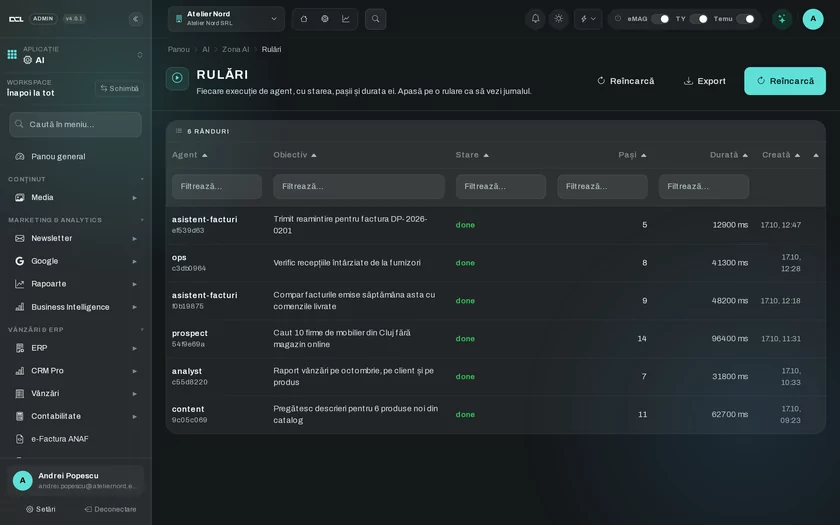
You ask, the agent searches the data
AI agents work with your company's data, for example with invoices that are still unpaid.
DCL Business
The panel where your company keeps its customers, quotes, invoices, inventory and warehouse. Each area is a separate module: you turn on only what you use and add the rest along the way.

AI agents work with your company's data, for example with invoices that are still unpaid.
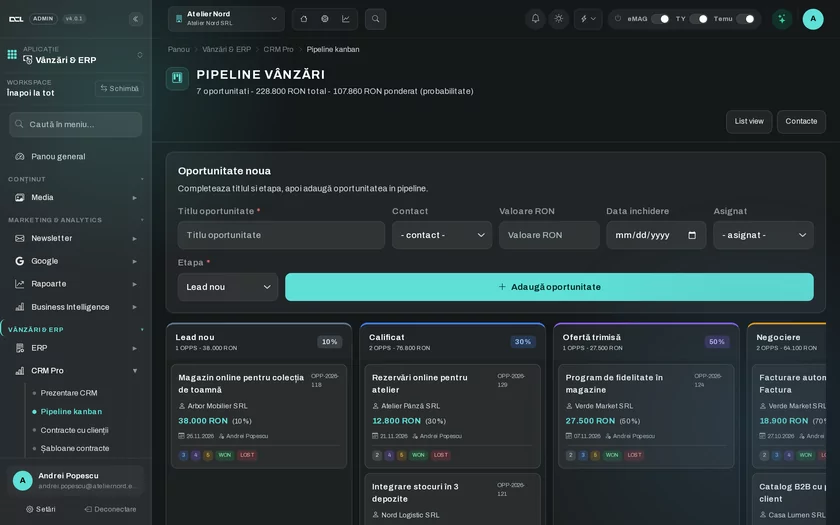
Each CRM opportunity has its customer, value, probability, deadline and owner.
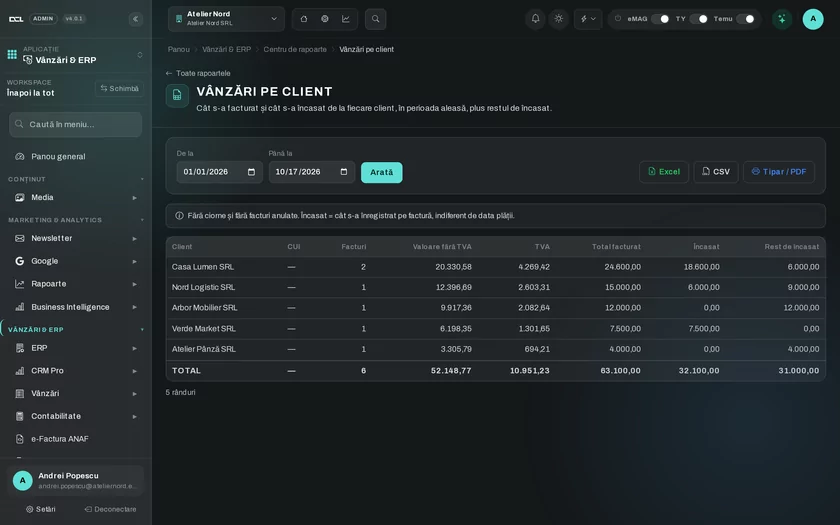
See sales by customer and the payments received, with the partner they came from.
Each tab below is an area of the DCL Business panel, with its modules. You turn on only the modules you need.
Finance
Issue invoices through SmartBill or Oblio and send them to ANAF's SPV through e-Factura, from the same panel.
Invoicing
Invoices through SmartBill and Oblio.
e-Factura
Sending and tracking invoices in ANAF's SPV.
Sales
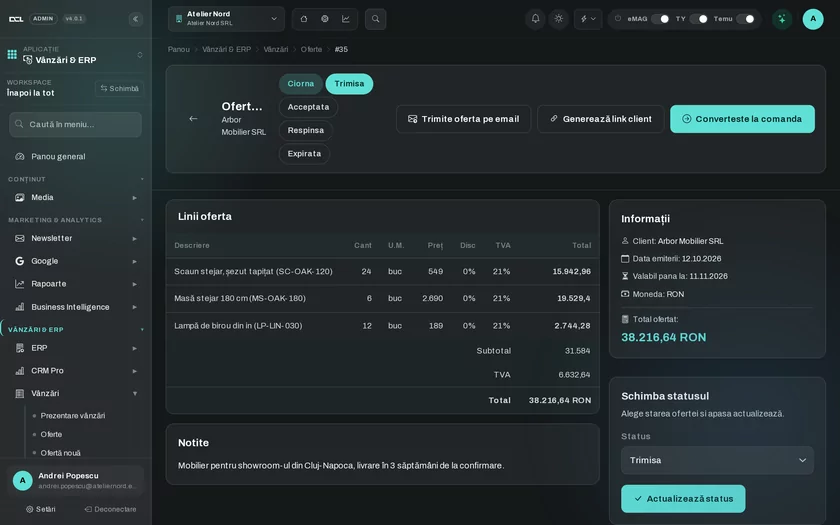
Prepare the quote for the customer, then the sales order and the invoice, with your company's price lists.
Sales
Quotes, sales orders, invoices and price lists.
Sales
Follow each opportunity by stage, with its collaborators and their commissions.
CRM
Opportunity pipeline, contracts, collaborators and commissions.
Operations
Stock in each warehouse, stock counts and replenishment, plus receiving, picking and packing in the WMS.
Inventory
Stock by warehouse, stock counts, replenishment and traceability.
Warehouse (WMS)
Receiving, picking, packing, transfers and counting.
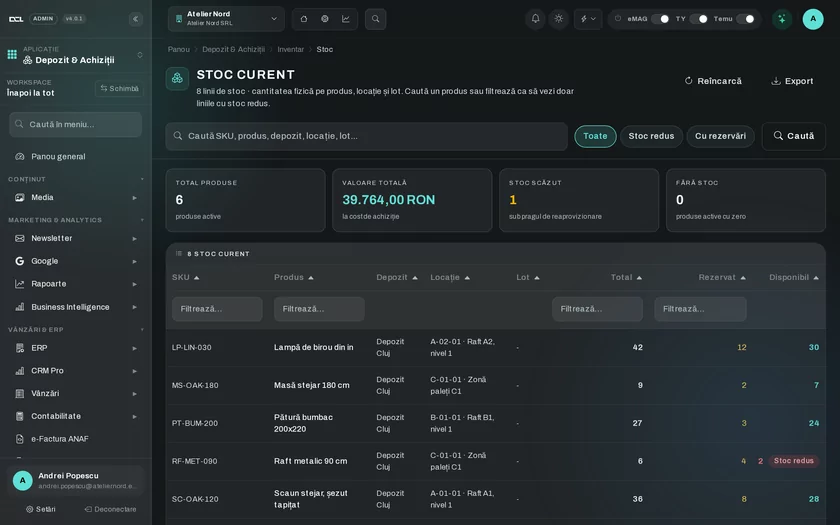
Finance
Customers pay by card through Netopia, set up from the panel settings.
Online payments
Card payments through Netopia.
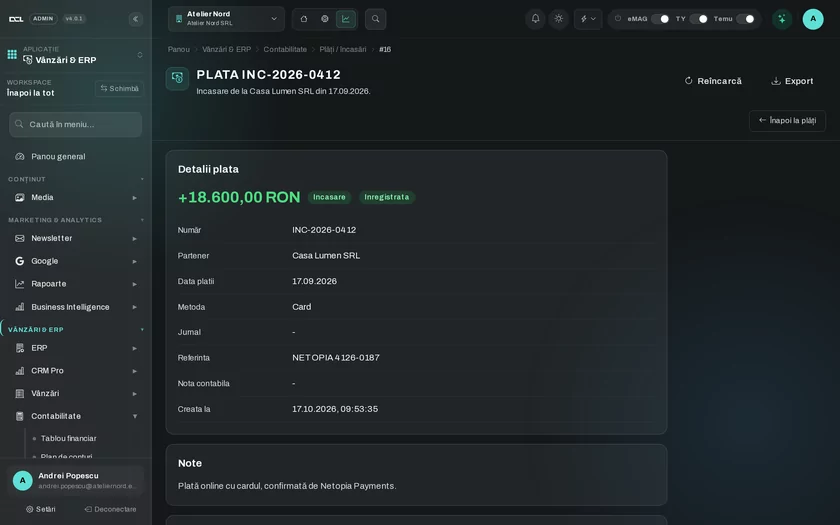
Analytics
The report center, dashboards and scheduled reports, from the data entered in the panel.
Reports and BI
Report center, dashboards and scheduled reports.
Marketing
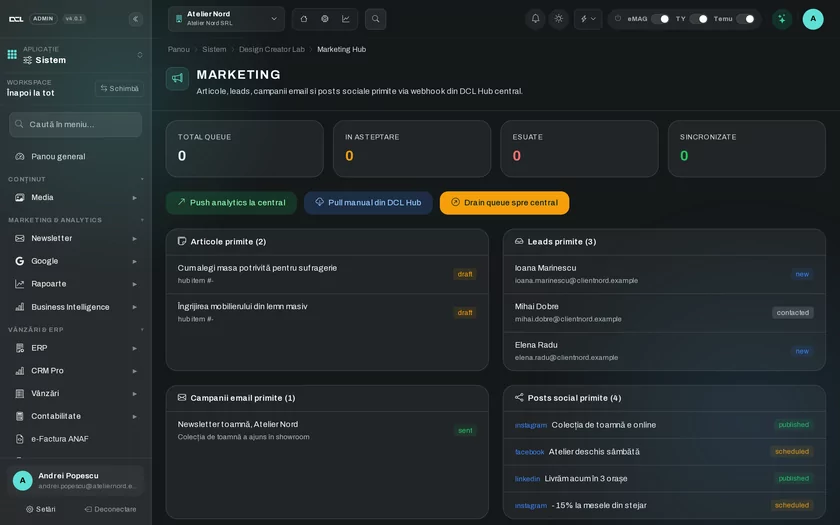
Social posts, articles, leads and campaigns come from DCL Hub and you see them in the panel, with their platform and status.
Marketing
Sync with DCL Hub: articles, leads, campaigns and social posts.
AI
Agents with runs, approvals, automations, memory and workflows, in your company's panel.
AI agents
Agents with runs, approvals, automations, memory and workflows.
Sales
Contracts live in the CRM, next to the customer and the opportunity they belong to.
CRM
Opportunity pipeline, contracts, collaborators and commissions.
The modules below do not have their own tab, but they are turned on the same way, per company.
Online store
Products, orders and store settings.
Marketplaces
eMAG, Trendyol and Temu in the same panel.
Point of sale
Checkout for in-store sales, with shift opening.
Purchasing
Supplier orders and purchase invoices.
Manufacturing
Bills of materials (BOM), production orders, work centers.
Accounting
Chart of accounts, journals, balance sheet, cash flow and VAT journal.
Human resources
Employees, time tracking, leave, payroll and recruiting.
Helpdesk
Tickets, SLA, knowledge base and customer satisfaction.
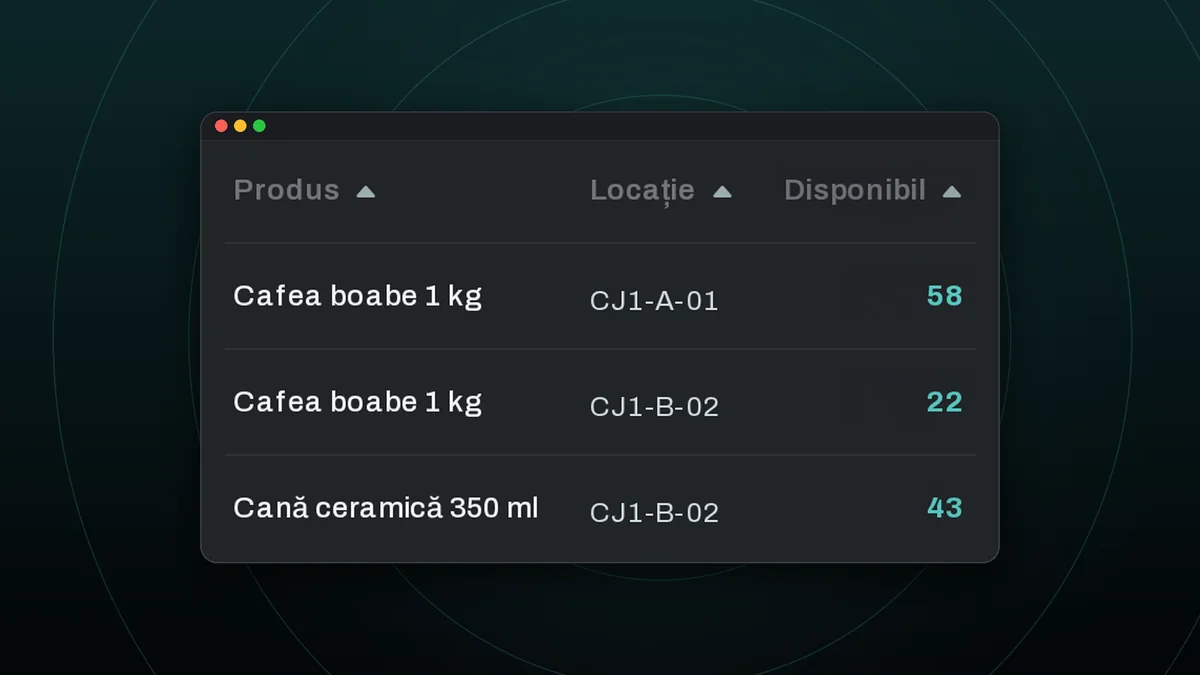
The same product can sit in several warehouse locations, and the team sees the available quantity in each one. Goods come in at receiving, then get picked and packed for orders.
Warehouse (WMS)
Receiving, picking, packing, transfers and counting.
Inventory
Stock by warehouse, stock counts, replenishment and traceability.
Services that DCL Business talks to directly, through their APIs.
Standalone
Every standalone installation goes through the same steps, in the order below.
We learn how your company works and which modules you need.
We adapt the platform to your workflows, documents and integrations.
We install the platform on your server or on a dedicated server.
We set up the accounts, your company details and the working settings.
We show you and your team how to use each module.
If you want, we stay with you for updates and support.
Manage orders, invoices and stock across warehouses right from your phone, with the same DCL Business account.
Leave us your email address and we will write to you when the app is available.
See the packages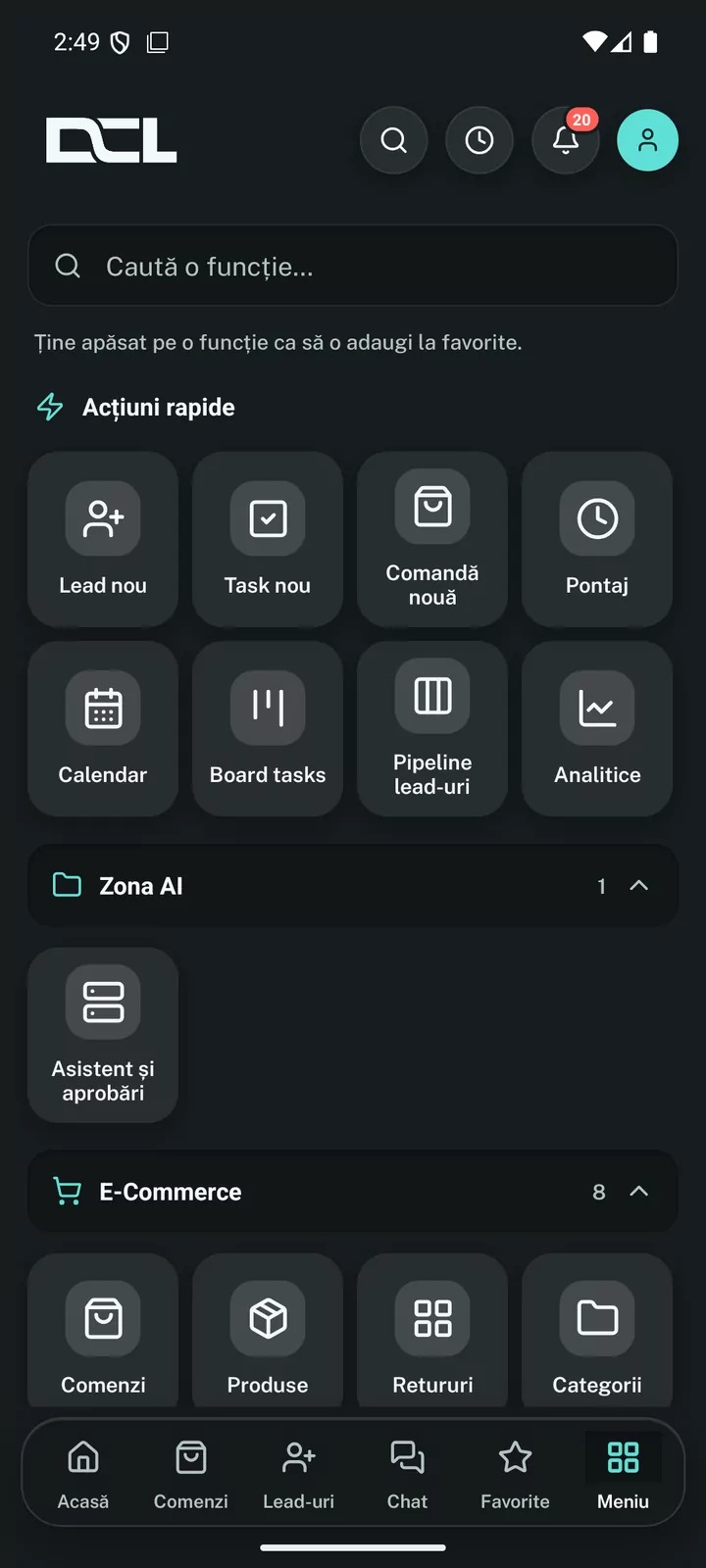
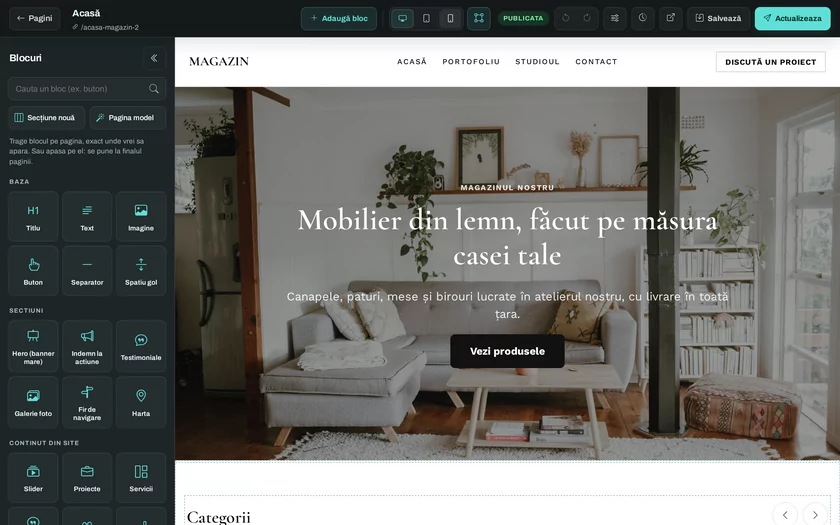
Business website, blog or online store, with delivery, invoicing and marketplaces connected.
See DCL SiteDCL Business adds the modules for your company, such as sales, invoicing and customer support, and they are what you get in the packages.
Price on quote
Price on quote
Tell us which processes you want to move into the panel, and we will suggest the modules to start with.
Free SEO audit
Get a free SEO audit for your site
Leave your name, email and site address. We check it and come back with what holds your site back in Google.
Cookies. We only use essential storage; analytics and marketing only if you accept. Details in the Cookie Policy and privacy policy.